Set up one role
Sign in and create an assistant for the job you are practicing. Upload your resume, paste the job description, and add a few notes: the project you want to talk about, a number you are sure of, and one story.
Install the desktop app on the computer you will practice on, and the phone app if you want to hear the answer. The phone joins with the 8-character code shown next to the phone icon.
Run the mock
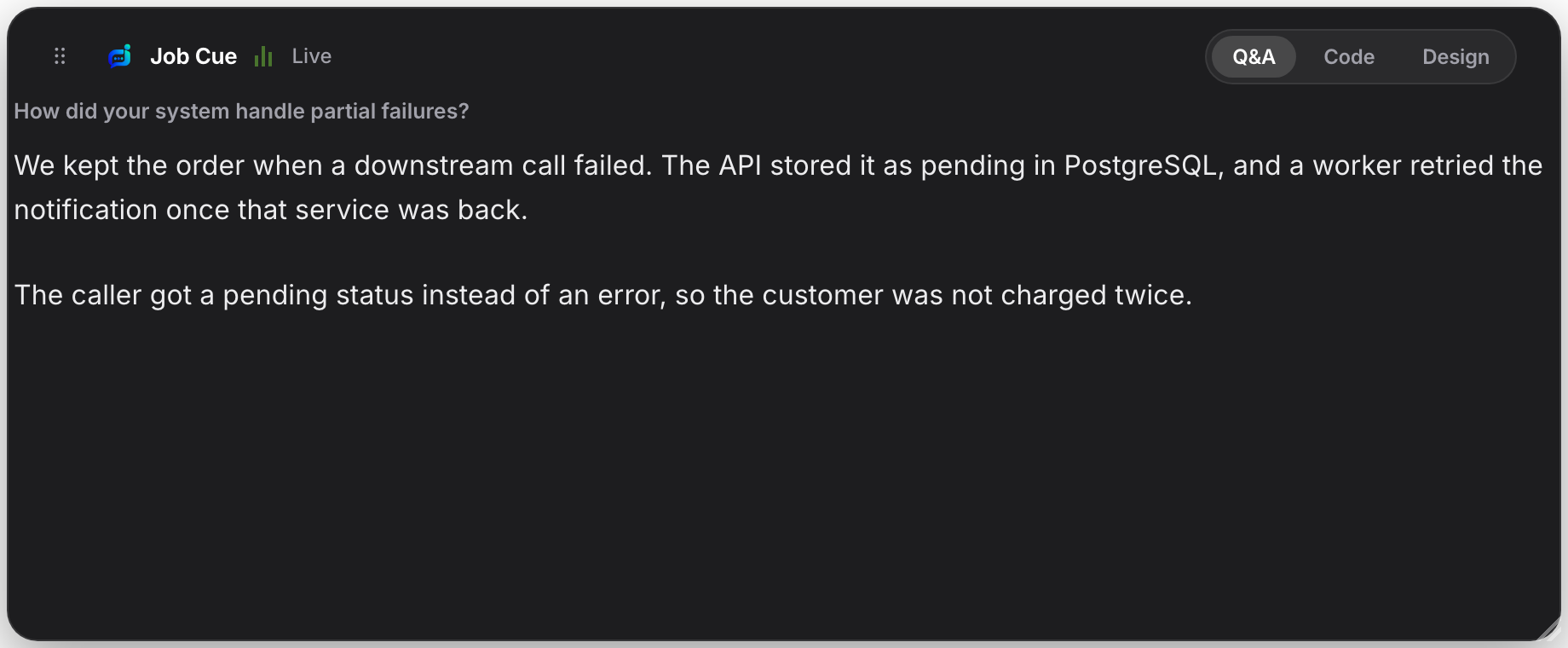
Start a session and play the interviewer out loud from the same computer, or have a friend ask from a call. Stay quiet while the question plays. Job Cue treats the computer audio as the interviewer and your microphone as you.
Wait until the answer finishes before the next question. A normal question should be short. A coding problem and a system design take longer, and that is expected.
Practice saying it
Do not read the answer once and move on. Tap Listen on the phone, then say the answer in your own words without looking. If you stumble, ask the same question again.
Use the three practice pages for the shapes that come up most: system design, coding, and a behavioral story.
More practice
Sign in, add your resume, and run one practice session.
Sign in